Is Your Solar Even On? A 2-Minute Self-Check for SWFL Owners
A surprising number of 'solar homes' in Southwest Florida aren't making solar right now. Here's the two-minute check — monitoring app, inverter light, and the bill-creep tell — to catch it before it costs you a season.
Last verified:
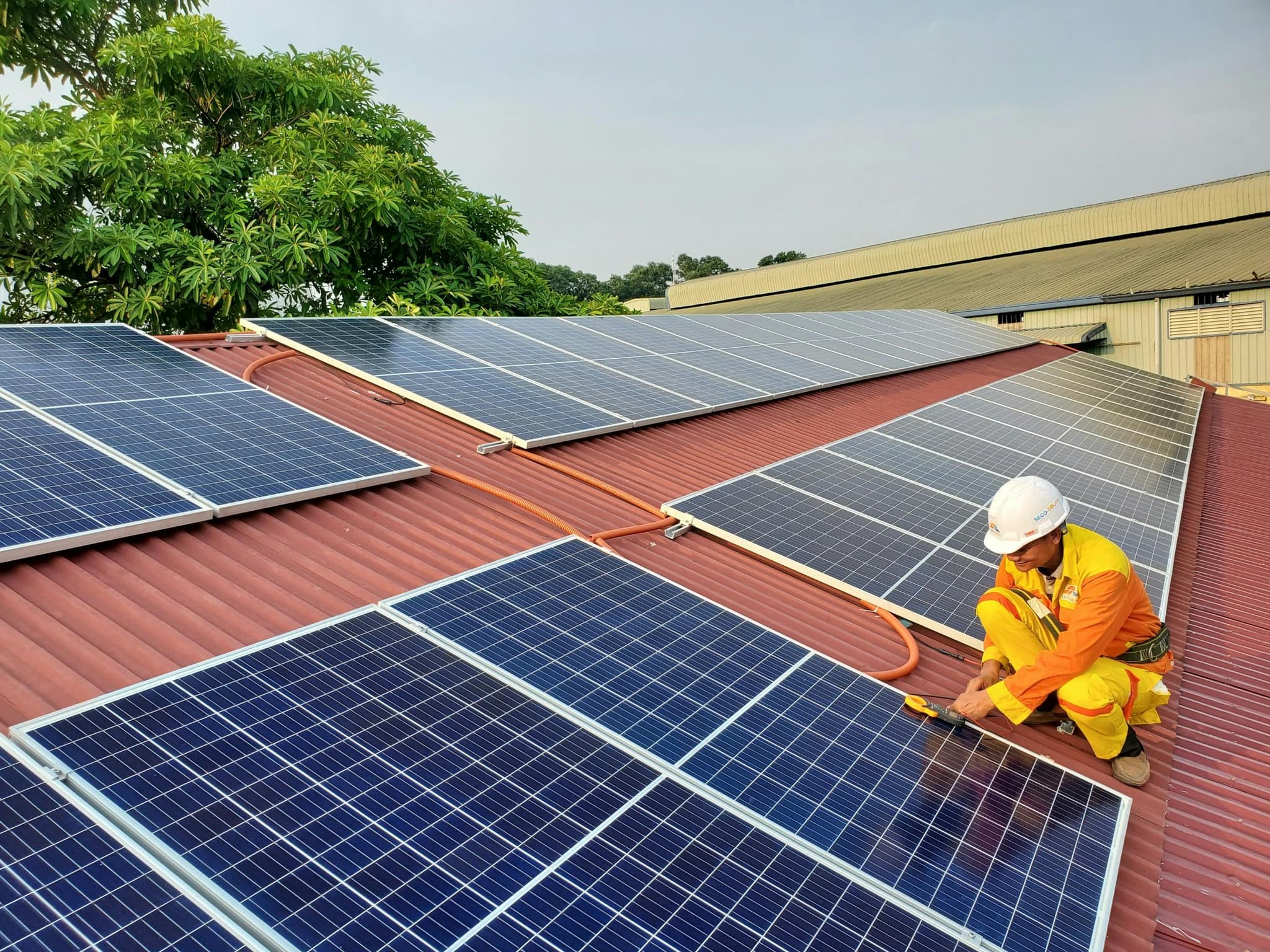
Short answer: Here's the uncomfortable secret: a lot of Southwest Florida 'solar homes' aren't actually making solar right now. A system can trip offline after a storm, a power flicker, or a failed part, and nothing tells you — no alarm, no flashing sign on the lawn. The two-minute check is simple: open your monitoring app and look at today's production, glance at your inverter's status light, and compare your recent bill to last year. If any of those looks off, your panels may be decorating your roof for free.
Solar works great in Southwest Florida. That's exactly why it's so easy to miss when it stops. The panels sit up there looking productive, the sun keeps shining, and your meter quietly goes back to charging you full price. There's no smoke, no noise, no warning light on the fridge. The first hint most people get is a bill that creeps back toward what it was before they went solar — a month or two after the money already walked out the door.
Why systems go dark without telling you
Grid-tied solar is designed to shut itself down in certain conditions. After a power outage or a voltage flicker — which SWFL gets plenty of — an inverter is supposed to wait for a stable grid before it resumes. Usually it restarts on its own. Sometimes it doesn't. Add a tripped breaker, a failed optimizer, a nibbled wire, or a monitoring gateway that lost your Wi-Fi, and you've got a system that's off with no one home to notice.
The two-minute check
1. Open your monitoring app
Almost every modern system came with an app or web portal — Enphase, SolarEdge, Tesla, or whatever your installer set up. Open it and look at today's production. A healthy day shows a curve that rises through midday and tapers toward evening. A flat line, a zero, or a 'no data' message means your system is napping. If you never got login credentials, that's its own red flag worth chasing down.
2. Glance at the inverter's light
Your inverter usually lives in the garage or on an exterior wall. During daylight, a solid green light generally means it's working. A red or amber light, a blinking pattern, or an error code on the screen means it's trying to tell you something. (Our companion article on inverter lights decodes the colors.) Don't open it up or poke at wiring — just read what it's showing you.
3. Compare your recent bill to last year
Pull up the same month from last year and this year. If your post-solar savings have quietly evaporated and the bill is drifting back toward your pre-solar numbers, that's the clearest tell of all. Bills move for lots of reasons — a hot summer, a new pool pump, a rate change — but a sudden jump back to 'the old normal' deserves a look.
Your panels should be working as hard as your AC in August. If the app shows a flat line and the bill is creeping up, you're paying full price for roof decoration — and the fix is usually far cheaper than the sunshine you're missing.
What to do if something looks off
Don't panic, and don't assume you're stuck — even if the company that installed it has since vanished, which happens constantly here. A system can be diagnosed and repaired by someone other than the original installer. That's exactly what our Assure Protect service does: we check the whole system, find why it's underproducing, and get it back online — whoever put it up there. If your app is flat or your inverter's throwing a fault, book a diagnostic at /assure-protect or call (954) 952-0151.
Questions worth asking
- Do I actually have login access to my monitoring app?
- What does a healthy production day look like for my system size?
- If my inverter is throwing a fault, who can service it now that my installer is gone?
- How much production have I likely lost while it was offline?
• When this might not make sense
We'd rather lose a sale than put you in the wrong solution. Reasons we might tell you to wait or pass:
- —You just want reassurance without checking anything — the two-minute look is worth doing before you assume it's fine
- —Your inverter shows a fault but you're tempted to open it or rewire it yourself; that's a job for a qualified tech, not a YouTube afternoon
Sources
- Homeowner's guide to going solar (monitoring and maintenance basics) — U.S. Department of EnergySecondary
- Solar photovoltaic operations and maintenance research — National Renewable Energy LaboratorySecondary
Flat line in the app? Let's get your panels producing again.
Assure Protect diagnoses and repairs existing systems — any installer, even a vanished one. If your numbers slipped, we'll find out why and fix it. Call (954) 952-0151.